
MERN Full Stack Development
The MERN Full Stack Framework is an effective combination of JavaScript-based frameworks that allows for developing high-quality web applications from the client side to the back end. JavaScript technology enables more efficient development and code reuse.
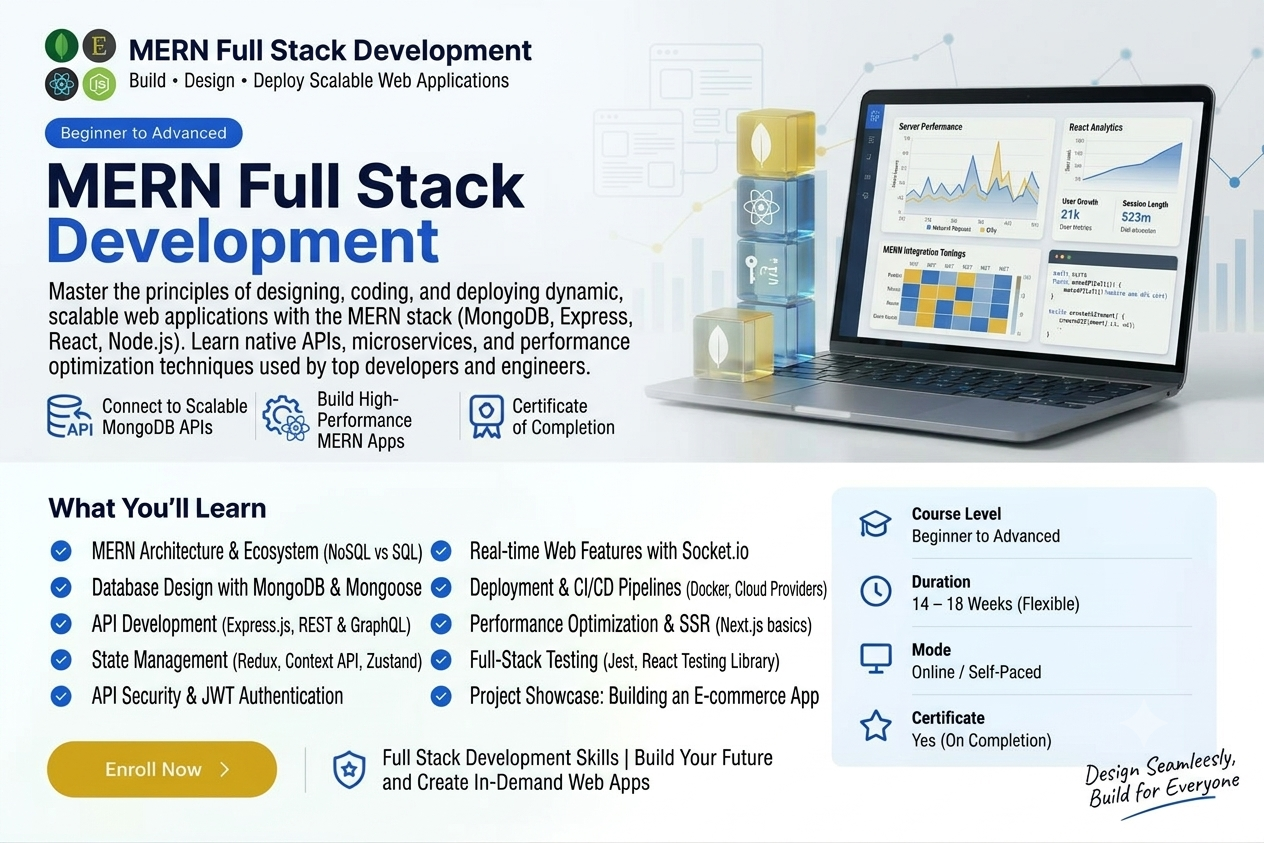
Course Overview
A normal MERN Full Stack Developer Training covers the entire process of designing, creating, testing, and deploying full-stack web applications using JavaScript alone. The MERN abbreviation represents four major technologies:
- MongoDB: A highly flexible NoSQL database where data is stored in JSON-like documents.
- Express.js: The back-end framework for Node.js.
- React: The framework for developing user interfaces on the client side.
- Node.js: The platform to run JavaScript code on the server.
Key Curriculum Topics covered
- Front End Development: Get skilled at React.js to create responsive user interfaces, manage state, and handle user actions.
Back End Development: Create back-end logic using Node.js and Express.js to manage HTTP requests and routes.
Database Management: Create data models, perform CRUD operations and connect applications to MongoDB.
APIs: Create RESTful APIs for connecting your front and back end securely.
Deployment: Learn how to host your production ready web applications on the cloud.
Projects/Hands-On Work
The projects that are usually undertaken by the students include:
- E-commerce sites with cart and payment systems.
- Social media feed/blog apps with user authentication.
- Note taking or dashboard applications with a live database.
Who This Course Is For:
Open to school students, college undergraduates, and career switchers. No prior coding required.
Course Key Information
2 Hours
Beginner
Open to school students, college undergraduates, and career switchers. No prior coding required.
What You Will Learn
Technologies Covered
Tools & Platforms Used:
Lesson Plans & Curriculum
All chapters and lessons are publicly accessible.
Chapter 1 — Introduction to MERN Stack
5 Lessons • Understand the MERN stack architecture and learn how MongoDB, Express.js, React JS, and Node.js work together.
Chapter 2 — HTML, CSS and JavaScript Fundamentals
5 Lessons • Learn the web development fundamentals required to build modern frontend applications.
Chapter 3 — React JS for MERN Development
5 Lessons • Learn React components, JSX, props, state, hooks, forms, routing, and frontend application development.
Chapter 4 — Node.js Fundamentals
5 Lessons • Learn Node.js runtime, modules, npm, asynchronous programming, file handling, and server-side JavaScript.
Chapter 5 — Express.js and REST APIs
5 Lessons • Learn Express.js, middleware, routing, controllers, REST API design, and backend application development.
Chapter 6 — MongoDB and Mongoose
5 Lessons • Learn MongoDB database concepts, collections, documents, CRUD operations, schemas, and Mongoose.
Chapter 7 — Authentication and Authorization
5 Lessons • Learn user registration, login, password security, JWT authentication, protected routes, and role-based authorization.
Chapter 8 — Frontend and Backend Integration
5 Lessons • Learn how React communicates with Express and Node.js APIs and how frontend and backend data flows through a MERN application.
Chapter 9 — Advanced MERN Development
5 Lessons • Learn advanced concepts including application structure, error handling, validation, file uploads, security, and performance optimization.
Chapter 10 — MERN Full Stack Project and Deployment
5 Lessons • Build a complete MERN full stack project and learn testing, environment configuration, production builds, and deployment.
Complete Your Project & Get Certified
Complete the final project, upload your work, apply for evaluation, and receive your certificate after approval.
1. Upload Your Project
Submit your completed project.
2. Apply
Apply for evaluation and certification.
3. Get Certificate
Receive your certificate after approval.
Course Completion Certificate
Shareable digital credential upon course completion
Complete the course requirements to receive your course completion certificate.
Start for Free
Access this course for free.
What's Included in this Course:
- 10 Course Chapters
- 50 Lessons
- Interactive Lesson Exercises & Notes
- Official Verified Digital Certificate
- Lifetime Access to All Course Materials