
React JS
React JS, also known as React or React.js, is an advanced, free and open-source JavaScript library developed and supported by Meta, formerly Facebook, along with an extensive number of independent programmers. The library is specifically developed for building fast, responsive, and scalable user interfaces (UIs), mainly in single-page web applications. In contrast to the inflexible structure of software frameworks, React works as a versatile instrument that enables developers to decompose complicated user interfaces into separate building blocks termed as components. React uses Virtual DOM (Document Object Model), which enables React to update only those parts of the webpage that change.
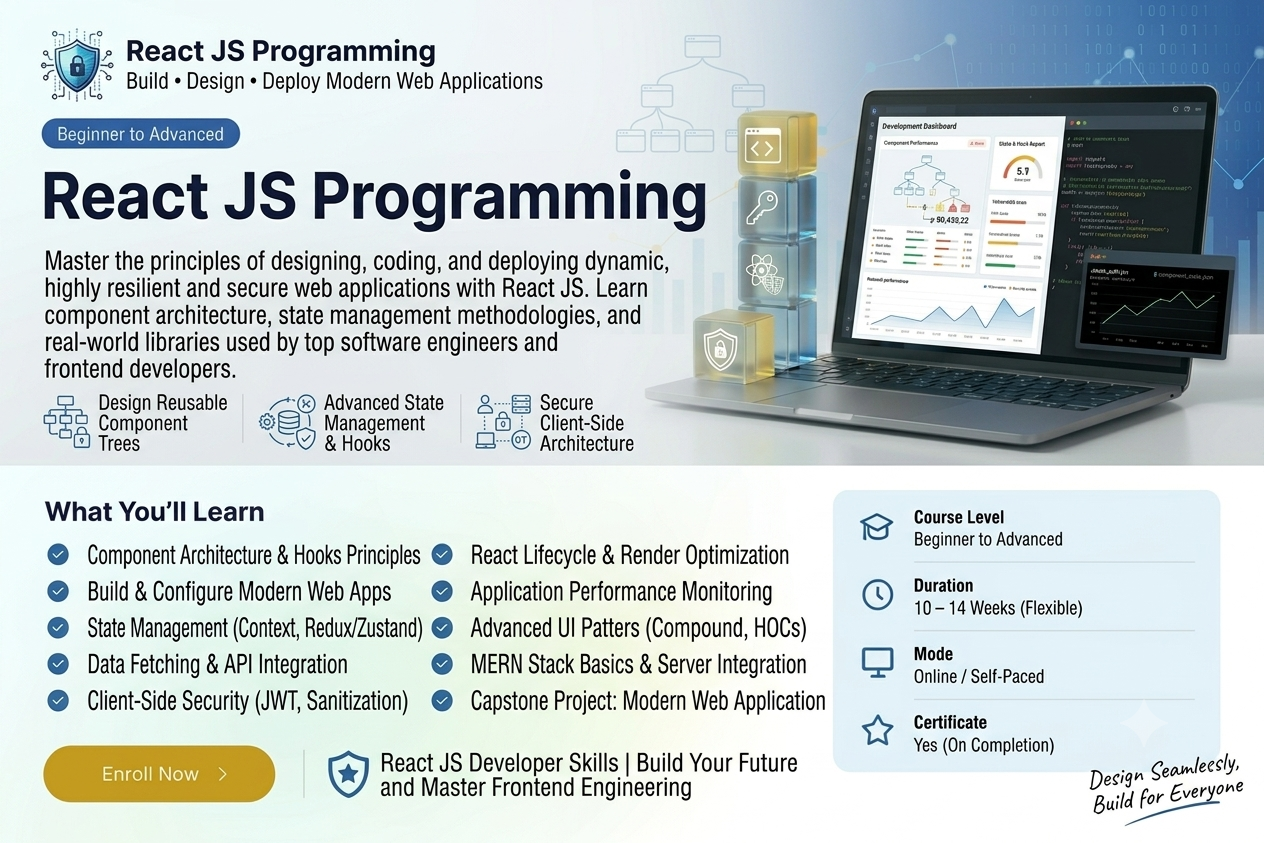
Course Overview
This training course is structured in such a way that it trains individuals from basic web development skills to application development. If you are a beginner interested in pursuing front-end development or a traditional JavaScript developer or programmer interested in scaling up, then this course is meant for you as it imparts all the basic skills needed to build SPA (design dynamic Single Page Applications ). In this course, the students learn the skill to declare UI structures,complex data management, manage data structures and navigate the client side.
- React Setup & Configuration: Discover how to set up your local development environment with Node.js, npm and modern build tools while dividing your interfaces into scalable component architectures.
- JSX & Component Rendering: Become familiar with JavaScript XML (JSX) to effectively blend logic and structure into code components.
- Props & State Data Management: Learn the ins-and-outs of uni-directional data flow via Props for transferring data from a parent component to a child one and State to track mutated locally.
- React Hooks: Use functional programming through the use of built-in React Hooks like useState and useEffect for state management and handling async side effects.
- Routing & Navigation: Employ React Router to develop applications with multiple views through navigation without causing full-page refreshes.
- API Asynchronous Interaction: Integrate your backend services by sending HTTP requests, parsing data payload and managing loading/error states.
- State Management & Performance Optimisation: Scale application data management with standard global state approaches (e.g. Context API / Redux) and lazy load for performance benefits.
Target Audience: Ambitious Front-End Developers, Full-Stack Web Engineers, and JavaScript aficionados who wish to master one of the most sought-after software skills in the industry.
Prerequisites: Basic knowledge of HTML, CSS, and JavaScript fundamentals.
Who This Course Is For:
Open to school students, college undergraduates, and career switchers. No prior coding required.
Course Key Information
Self Paced
Advanced
Open to school students, college undergraduates, and career switchers. No prior coding required.
What You Will Learn
Technologies Covered
Tools & Platforms Used:
Lesson Plans & Curriculum
All chapters and lessons are publicly accessible.
Chapter 1 — Introduction to React JS
5 Lessons • <p>Learn the fundamentals of React JS, its features, architecture, and why it is widely used for modern web application development.</p>
Chapter 2 — React Environment and Project Setup
5 Lessons • Learn how to install Node.js, npm, create React projects, and understand the React development environment.
Chapter 3 — JSX and React Components
5 Lessons • Understand JSX syntax and learn how to create reusable functional components in React.
Chapter 4 — Props and State
5 Lessons • Learn how data is passed between React components using props and how component state is managed.
Chapter 5 — Events and Forms in React
5 Lessons • Learn how to handle user events, form inputs, controlled components, and form submission in React.
Chapter 6 — React Hooks
5 Lessons • Learn important React Hooks including useState, useEffect, useContext, useRef and custom hooks.
Chapter 7 — Conditional Rendering and Lists
5 Lessons • Learn conditional rendering, rendering arrays, keys, and dynamic UI generation in React.
Chapter 8 — React Routing and Navigation
5 Lessons • Learn client-side routing, routes, links, navigation, route parameters, and nested routes using React Router.
Chapter 9 — API Integration and State Management
5 Lessons • Learn how to consume REST APIs and manage application data using fetch, Axios, Context API, and related techniques.
Chapter 10 — React Projects and Deployment
5 Lessons • Build practical React applications and learn production builds, optimization, and deployment.
Complete Your Project & Get Certified
Complete the final project, upload your work, apply for evaluation, and receive your certificate after approval.
1. Upload Your Project
Submit your completed project.
2. Apply
Apply for evaluation and certification.
3. Get Certificate
Receive your certificate after approval.
Course Completion Certificate
Shareable digital credential upon course completion
Complete the course requirements to receive your course completion certificate.
Start for Free
Access this course for free.
What's Included in this Course:
- 10 Course Chapters
- 50 Lessons
- Interactive Lesson Exercises & Notes
- Official Verified Digital Certificate
- Lifetime Access to All Course Materials